
wordpress to headless migration
WordPress to Headless Migration Guide
May 23, 2026
WordPress to Headless Migration: Benefits, Risks, and Steps
Traditional WordPress architecture has powered millions of websites over the last two decades. It provides a straightforward way to manage content, design pages, and publish articles all from a single dashboard. As organizations scale and digital touchpoints multiply, the limitations of a tightly coupled system become apparent. Websites can suffer from bloated code, sluggish page load times, and restrictive design frameworks that hinder growth.
Moving to a headless setup changes how your website operates under the hood. By decoupling the back-end content management system from the front-end display, you gain total control over the user experience. Developers can use modern JavaScript frameworks to build the visual layer, while marketing teams continue using the familiar WordPress interface to publish content.
This architectural shift represents a significant technical undertaking. Deciding to restructure your entire website requires a clear understanding of the potential rewards, the inevitable challenges, and the specific steps required to pull it off successfully. Here is a detailed look at what a WordPress to headless migration entails.
Understanding the Shift to Headless Architecture
In a standard WordPress environment, the back end (where you write content) and the front end (the theme that displays it) are fused together. When a user visits your site, the server must process PHP scripts, query the database, and render HTML before the page appears.
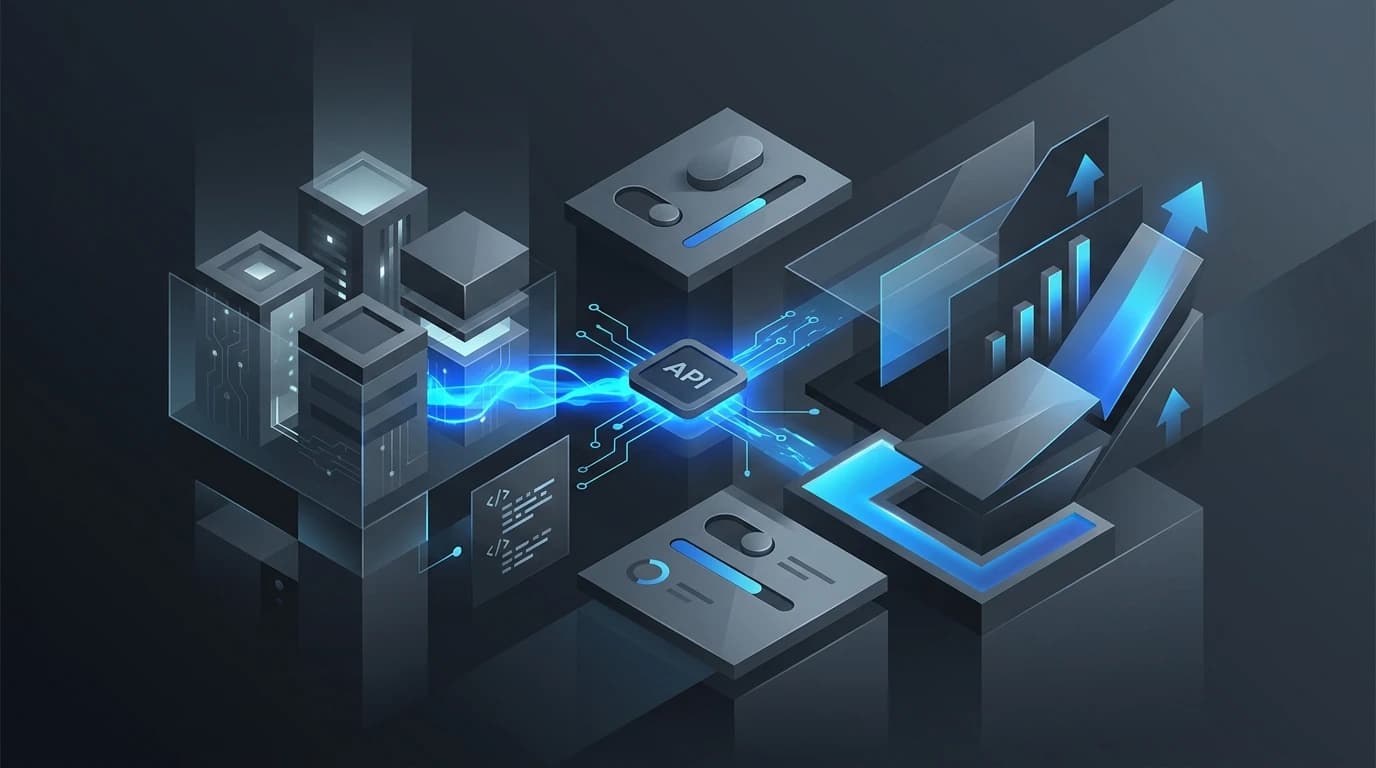
A headless approach severs this connection. WordPress is retained purely as a data repository. The front end is built entirely separately, often using modern frameworks like React, Vue, or Angular. The two systems communicate via an Application Programming Interface (API). When a user requests a page, the front end simply calls the WordPress API to fetch the text and images, displaying them almost instantly.
The Benefits of a Headless Migration
Transitioning your architecture offers several distinct advantages that can dramatically improve both user experience and operational efficiency.
Blazing Fast Performance
Speed is critical for user retention and search engine rankings. Because the front end no longer relies on heavy PHP processing or complex database queries to render a page, content delivery becomes remarkably fast. Static site generators and modern JavaScript frameworks serve pre-built files to visitors, cutting load times down to milliseconds.
Omnichannel Content Delivery
Consumers access content across a multitude of devices, from desktop browsers and mobile phones to smartwatches and digital kiosks. A headless setup allows you to publish a piece of content once in WordPress and distribute it anywhere. The API can feed data to an iOS app, an Android app, and a web browser simultaneously, ensuring consistent messaging across all platforms.
Enhanced Security
Security vulnerabilities often plague traditional WordPress sites due to outdated themes and poorly coded plugins. Decoupling the architecture inherently reduces your risk profile. The database and content management systems are hidden from public view. Even if a malicious actor attempts to attack the front-end application, they cannot access the underlying WordPress database directly.
The Risks and Potential Drawbacks
While the advantages are compelling, a headless migration is not without its hurdles. It is crucial to evaluate these challenges before committing to the transition.
Loss of Native Features
Many site owners rely heavily on WYSIWYG editors, page builders, and visual preview functionalities. In a headless environment, traditional WordPress themes and front-end plugins no longer function. Marketers will not be able to immediately preview how a page will look to the end user without custom development work. You lose the "plug-and-play" convenience that makes WordPress so popular.
Increased Development Costs
Building and maintaining a headless website requires specialized technical knowledge. You need developers proficient in modern JavaScript frameworks and API management. This translates to higher initial development costs and ongoing maintenance expenses. Organizations must be prepared to invest in the right talent to keep the infrastructure running smoothly.
Your Execution Plan
A successful migration requires meticulous planning. If you decide that the benefits outweigh the risks, follow this execution plan to guide your project.
Audit Your Current Architecture
Begin by taking a comprehensive inventory of your existing website. Identify all custom post types, taxonomies, and essential plugins. Determine which functionalities must be replicated in the new front end. Clean up your database by removing unused plugins and outdated content to ensure a streamlined migration process.
Choose Your Frontend Tech Stack
Select the framework that best aligns with your team's expertise and project goals. Next.js and Gatsby are highly popular choices for React-based applications, offering excellent performance and robust developer communities. Vue users often turn to Nuxt.js. Evaluate the hosting requirements for these frameworks, as platforms like Vercel or Netlify are specifically optimized for headless deployments.
Configure the API
WordPress includes a built-in REST API, which you can use to expose your content to the new front end. Alternatively, many developers prefer using WPGraphQL. GraphQL allows the front end to request exactly the data it needs and nothing more, which can further optimize performance. Ensure your API endpoints are secure and correctly configured to handle the required data payloads.
Build, Test, and Deploy
With the architecture defined, your developers can begin building the new user interface. During this phase, it is vital to prioritize technical SEO. Ensure that meta tags, canonical URLs, and structured data are properly mapped from WordPress to the new front-end application. Conduct rigorous testing across various devices and browsers to identify broken links or API fetch errors before officially launching the new site. The content layer also needs a thoughtful CMS implementation.
Ready to Make the Headless Leap?
A WordPress to headless migration is a strategic investment in your digital future. It solves performance bottlenecks and opens the door to truly flexible content delivery. By carefully weighing the increased development requirements against the massive gains in speed and security, you can make an informed decision for your organization. If your current architecture is holding back your growth, modernizing your tech stack could be the exact catalyst you need to scale effectively.