
website security best practices for small business
Website Security Best Practices for Small Business
May 16, 2026
Keep Your Small Business Safe: Website Security Best Practices
Many business owners assume cybercriminals only target massive corporations with millions of dollars in revenue. This is a dangerous misconception. Hackers frequently target small business websites specifically because they often have weaker security measures in place. A successful breach can lead to stolen customer data, a ruined reputation, and severe financial losses.
Understanding the risks is the first step toward protecting your livelihood. You do not need an entire IT department to defend your online presence. By implementing a few straightforward website security best practices for small business, you can significantly reduce your risk of a cyberattack.
This post covers the essential strategies you need to secure your digital storefront. You will learn actionable steps to protect your sensitive information and maintain the trust of your customers.
Keep All Software Up to Date
One of the most common ways hackers gain access to a website is through outdated software. If you use a content management system like WordPress, you likely rely on a variety of plugins, themes, and core files to keep your site running smoothly.
Developers constantly release updates to patch known security vulnerabilities. When you ignore these updates, you leave an open door for automated bots scanning the internet for weak points. Make it a habit to log into your website dashboard at least once a week to apply available updates.
If your platform allows it, turn on automatic updates for minor security patches. This ensures you receive critical fixes immediately without requiring manual intervention. You should also regularly review your active plugins and delete any that you no longer use. Fewer plugins mean fewer potential entry points for malicious actors.
Enforce Strong Password Policies and MFA
Weak passwords remain a massive vulnerability for businesses of all sizes. If your administrative password is "admin123" or the name of your pet, your website is highly susceptible to brute-force attacks. Hackers use automated software to guess thousands of password combinations per second until they break in.
Require everyone who accesses your website backend to use complex, unique passwords. A strong password should be at least twelve characters long and include a mix of uppercase letters, lowercase letters, numbers, and symbols. Using a password manager can help your team generate and store these complex credentials securely.
Additionally, implement multi-factor authentication (MFA) for all administrative accounts. MFA requires users to provide two or more verification factors to gain access to an account. Even if a hacker manages to steal a password, they will not be able to log in without the second factor, which is usually a code sent to a mobile device.
Utilize a Web Application Firewall and SSL
A Web Application Firewall (WAF) acts as a security guard for your website. It monitors incoming traffic and blocks malicious requests before they can reach your server. A good WAF will protect your site from common threats like SQL injections, cross-site scripting, and distributed denial-of-service (DDoS) attacks.
Many hosting providers offer basic WAF protection as part of their packages. You can also route your website traffic through third-party security services that specialize in filtering out harmful bots and hackers.
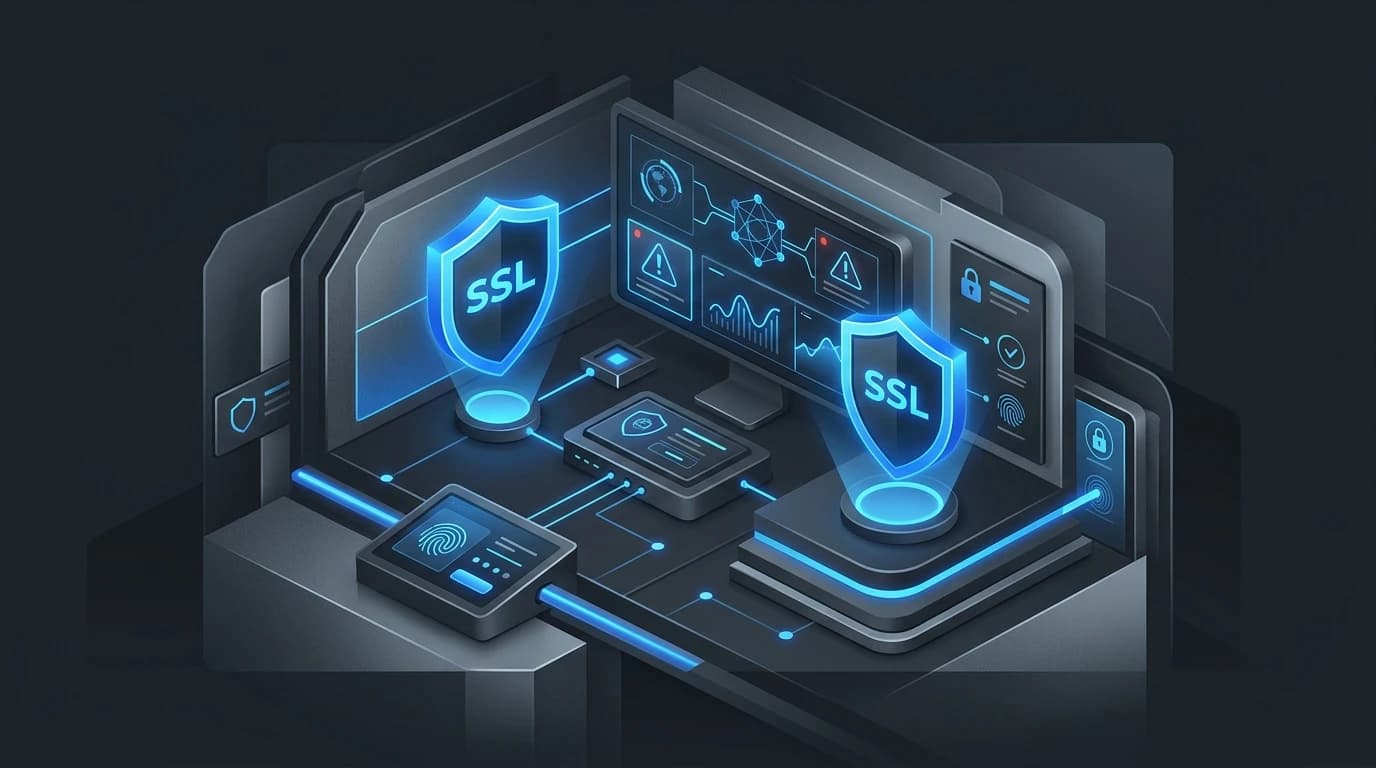
Alongside a WAF, you must secure the data transmitted between your website and your visitors. Secure Sockets Layer (SSL) certificates encrypt this data, making it impossible for intercepted information to be read by unauthorized parties. If your website collects passwords, credit card numbers, or personal details, an SSL certificate is mandatory. Search engines also penalize websites that lack SSL encryption, so installing one will simultaneously boost your security and your search engine ranking. More advanced security requirements often involve careful backend development.
Implement a Regular Backup Schedule
Even with the best security measures in place, no system is entirely foolproof. If your website is compromised, a recent backup might be your only saving grace. Backups allow you to restore your website to a clean, pre-attack state quickly, minimizing downtime and lost revenue.
Set up automated, daily backups for both your website files and your database. Store these backups in a secure, off-site location rather than on the same server that hosts your website. Cloud storage services are an excellent option for keeping your backup files safe and accessible. Test your restoration process periodically to ensure the backup files are uncorrupted and function correctly when you actually need them.
Addressing the Cost of Cybersecurity
Some small business owners push back against implementing rigorous security measures. The most common argument is that advanced security tools are too expensive or too complicated for a small budget to handle.
While enterprise-level security platforms can be costly, basic website security does not have to drain your bank account. Many reputable hosting companies include free SSL certificates and basic firewall protection. Multi-factor authentication apps are generally free to use. The cost of a few premium security plugins or a reliable backup service is minuscule compared to the devastating financial impact of a data breach. Recovering from an attack often involves legal fees, regulatory fines, and the permanent loss of customer trust.
Protect Your Business and Build Trust
Website security is an ongoing process rather than a one-time project. By keeping your software updated, enforcing strong passwords, using a firewall, and maintaining regular backups, you create a robust defense against cyber threats. A recurring maintenance and optimization plan helps keep those protections current.
Take a few hours this week to audit your current security protocols. Implement the missing safeguards and prioritize the protection of your digital assets. Your customers expect their data to remain safe when they interact with your business. Show them you take their privacy seriously by building a secure, reliable online experience.