
website redesign checklist
The Complete Website Redesign Checklist for 2026
May 12, 2026
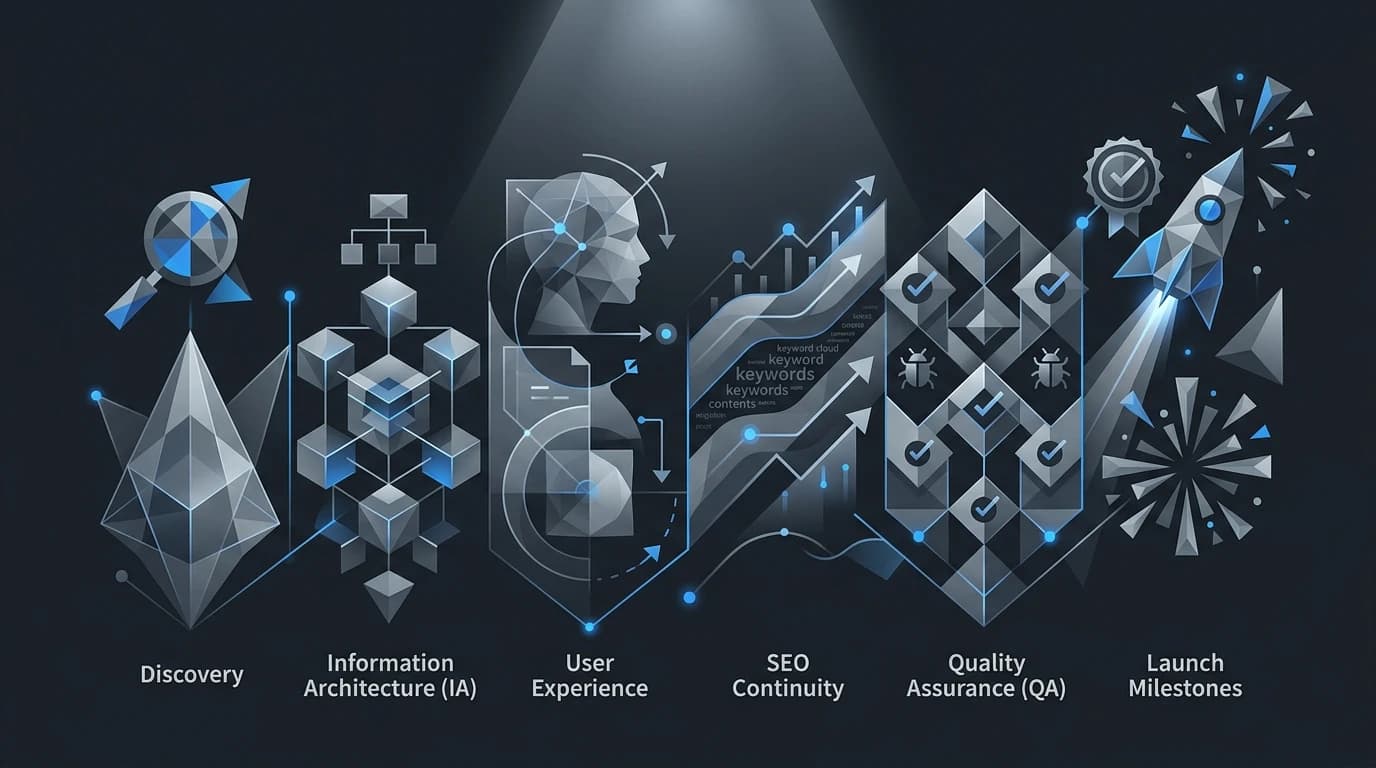
The Complete Website Redesign Checklist for 2026
Your website is the digital face of your business, and keeping it fresh is critical for staying competitive. Consumer expectations, search engine algorithms, and design trends shift rapidly. A site that looked modern and functioned perfectly a few years ago might now feel sluggish or confusing to navigate. Undertaking a website redesign is a major project, but a well-executed overhaul can drastically improve your user experience, boost search engine rankings, and increase conversion rates.
Approaching this process without a solid plan can lead to lost traffic, broken links, and frustrated users. A successful redesign requires careful planning, deep data analysis, and a strict timeline. To help you manage the process smoothly from start to finish, we have compiled a comprehensive website redesign checklist specifically tailored for 2026 standards.
Phase 1: Audit Your Current Performance
Before changing a single line of code or choosing a new color palette, you need to understand exactly how your current site performs. Identifying your baseline metrics ensures you can measure the success of your new design post-launch.
Analyze Your Data
Dig into your analytics platform to review your current bounce rates, average time on page, and conversion rates. Note which pages attract the most traffic and which ones cause visitors to leave. Understanding these user behavior patterns allows you to keep what works and fix what fails.
Take Content Inventory
Document every page, blog post, and downloadable resource on your site. Highlight your most valuable assets, particularly those generating the most organic traffic or inbound links. You will need to protect these high-performing pages during the transition to avoid sudden drops in search engine visibility.
Phase 2: Define Clear Goals and Target Audience
A redesign should be driven by measurable business objectives rather than subjective design preferences. Clarifying your goals early keeps your web development and design teams aligned throughout the project.
Set Measurable Objectives
Determine exactly what you want to achieve with the new site. Are you trying to generate more qualified leads, reduce customer support inquiries, or modernize an outdated brand identity? Assign specific, quantifiable targets to these goals, such as increasing lead form submissions by 20% within three months of launch.
Update User Personas
Buyer behavior evolves, and your target audience in 2026 might have different needs than they did when you last updated your site. Revisit your user personas to ensure they reflect your current ideal customers. Map out their user journeys to guarantee the new site structure naturally guides them toward your desired conversion points.
Phase 3: Lock Down Technical and SEO Foundations
Search engine optimization is often the biggest casualty of a poorly planned website redesign. If you change URL structures without the proper precautions, search engines will lose track of your content, causing your rankings to plummet. Protecting that foundation requires strong technical SEO.
Map Out 301 Redirects
Create a comprehensive spreadsheet mapping your old URLs to their corresponding new URLs. Implementing proper 301 redirects passes the SEO value of your existing pages to the new ones and prevents users from encountering frustrating 404 error pages.
Prioritize Mobile and Speed
Search engines heavily penalize slow, unresponsive sites. Your 2026 redesign must prioritize a seamless mobile experience and rapid page loading times. Compress large images, minimize heavy scripts, and ensure your site architecture is fully responsive across all device sizes.
Phase 4: Execute Design and Content Strategy
With the foundation set, you can begin the creative work. The visual elements and messaging must work together to create a compelling user experience that builds trust and authority.
Refresh Your Visual Identity
Ensure your new typography, color schemes, and imagery align perfectly with your current brand guidelines. The design should feel intuitive, utilizing ample whitespace to make content easily digestible. Pay close attention to web accessibility standards, ensuring your contrast ratios and navigational elements comply with the latest WCAG guidelines so all users can interact with your site comfortably.
Optimize Your Copy
A redesign is the perfect opportunity to update stale messaging. Review your headlines, service descriptions, and calls to action. Ensure the tone aligns with your current brand voice and clearly communicates your unique value proposition. Incorporate your target keywords naturally to support your ongoing SEO strategy.
The Case for Iterative Updates
While a full-scale redesign is sometimes necessary, it does carry inherent risks. Completely changing the user interface overnight can alienate loyal customers who are accustomed to your old layout.
Some organizations prefer an evolutionary site redesign approach. Instead of launching an entirely new site all at once, they implement continuous, data-driven improvements over time. This iterative method allows you to test changes on specific pages, gather user feedback, and refine the design without risking a massive drop in overall site performance. Consider your timeline, budget, and risk tolerance when deciding between a sweeping overhaul and a gradual evolution.
Launching Your New Digital Storefront
A website redesign is a complex undertaking that requires collaboration across marketing, design, and IT departments. By meticulously auditing your current performance, setting clear goals, protecting your SEO assets, and focusing on user experience, you set the stage for a highly successful launch. Pair the redesign with focused web design and technical QA support.
Take the first step today by logging into your analytics dashboard and documenting your baseline metrics. With this comprehensive website redesign checklist in hand, you are well-equipped to build a digital presence that drives growth well into the future.