
website launch qa checklist
Website Launch QA Checklist
May 5, 2026
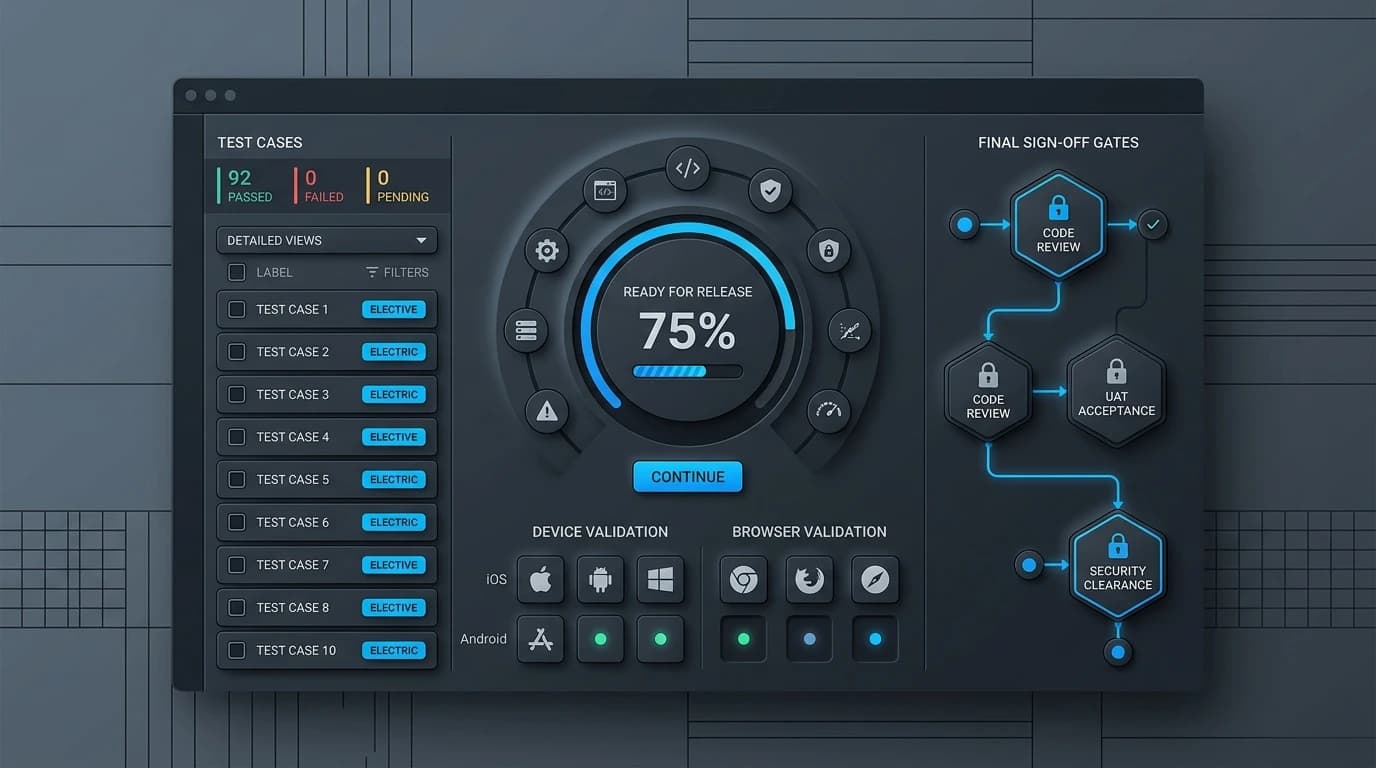
Website Launch QA Checklist: Everything to Verify Before Going Live
You have spent months designing, coding, and writing content. The finish line is finally in sight. Hitting the "publish" button on a new website is thrilling, but it almost always brings a wave of anxiety. What if a link is broken? What if the contact form sends messages into a digital black hole?
A single bug can frustrate your first visitors and damage your brand's credibility right out of the gate. That is exactly why a thorough Quality Assurance (QA) process is completely non-negotiable. It acts as your safety net, catching technical hiccups and user experience flaws before the public sees them.
By following a structured website launch QA checklist, you can ensure your site is polished, secure, and ready to perform. This guide will walk you through the essential areas you need to verify before your site goes live, helping you launch with total confidence.
Functionality Testing: Does Everything Work?
The foundation of any good website is its functionality. If users cannot navigate your site or complete basic actions, they will leave and likely never return.
Test All Forms
Go through every single form on your website. This includes contact forms, newsletter sign-ups, and checkout processes. Fill them out with test data and submit them. Verify that the success message displays correctly and that the submitted data actually reaches the intended inbox or database.
Click Every Link
Broken links are incredibly frustrating for users and harmful to your search engine rankings. Use an automated link-checking tool to scan your site for 404 errors. Pay special attention to your primary navigation menu, footer links, and any external links pointing to your social media profiles.
Content and SEO Verification: Is Your Message Clear?
Great design cannot hide poor content. Your text needs to be accurate, readable, and optimized for search engines right from day one.
Proofread Everything
Typos and grammatical errors make your business look unprofessional. Read through your core pages carefully. Better yet, have someone who wasn't involved in the writing process review the text. Fresh eyes catch mistakes that the original writer might gloss over.
Optimize for Search Engines
Your beautiful new website needs to be found. Check that every page has a unique meta title and meta description. Ensure your target keywords are present in the headings (H1, H2) and the opening paragraphs. Finally, confirm that all images have descriptive alt text to improve accessibility and image search rankings. These checks should align with your technical SEO baseline.
Performance and Security: Is the Site Fast and Safe?
Users expect websites to load instantly. They also expect their data to be handled securely. Missing the mark on either of these points can ruin your launch.
Check Site Speed
Run your site through tools like Google PageSpeed Insights. Look for heavy images that need compression or scripts that block the page from loading quickly. If your site takes longer than three seconds to load, you will lose a significant portion of your traffic before they even see your homepage.
Verify Your SSL Certificate
Security is paramount. Check that your SSL certificate is installed and active. The URL should begin with "https://" and display a padlock icon in the browser address bar. Browsers will flag sites without an SSL certificate as "Not Secure," which instantly destroys user trust.
Cross-Browser and Device Compatibility
Your website might look perfect on your laptop using Google Chrome, but what about a user viewing it on an older iPhone using Safari?
Test on Mobile Devices
More than half of all web traffic comes from mobile devices. Shrink your browser window to simulate a mobile view, or better yet, load the staging site on actual smartphones and tablets. Ensure buttons are easy to tap, text is legible without zooming, and the navigation menu works smoothly on smaller screens.
Check Different Browsers
Render your site on all major browsers, including Chrome, Safari, Firefox, and Edge. Different browsers interpret code slightly differently. A layout that looks flawless in Chrome might break completely in an older version of Safari.
The Cost of Skipping QA
Sometimes, project deadlines are tight. Teams might feel tempted to skip the QA phase to get the site live faster, arguing that they can simply fix bugs after the launch. This approach is highly risky.
Launching a broken site creates a terrible first impression. Users who encounter errors are unlikely to give your brand a second chance. Furthermore, search engines index new sites quickly. If Google's bots crawl your site and find broken links or missing meta tags, your initial search rankings will suffer drastically. Taking the extra few days to complete a website launch QA checklist ultimately saves time, money, and your brand's reputation.
Your Successful Launch Awaits
Launching a new website is a massive milestone. It represents hours of hard work, creativity, and strategic planning. Do not let minor technical errors derail your success.
By taking the time to verify your functionality, content, performance, and compatibility, you guarantee a smooth experience for your visitors. Use this website launch QA checklist to methodically review your work. Once every box is ticked, you can confidently press publish and share your new digital home with the world. For full rebuilds, pair QA with a careful website redesign plan.