
website ab testing ideas
20 Website A/B Testing Ideas to Improve Leads and Sales
May 1, 2026
20 Website A/B Testing Ideas to Improve Leads and Sales
Getting traffic to your website requires significant time, effort, and budget. But what happens once those visitors finally arrive? If they leave without making a purchase, filling out a form, or subscribing to your newsletter, that hard-earned traffic goes to waste.
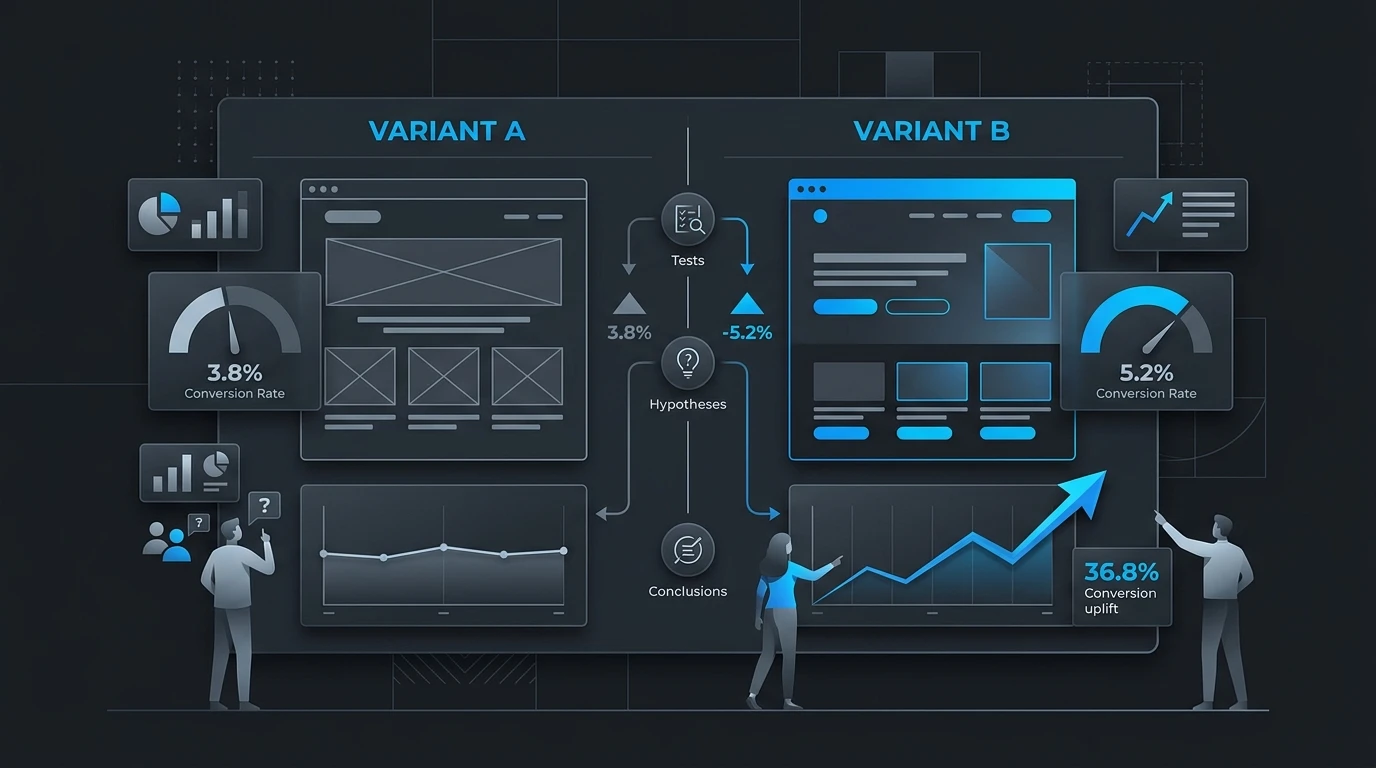
This is where A/B testing becomes essential. A/B testing involves comparing two versions of a webpage to see which one performs better. By systematically tweaking elements on your site, you can rely on actual user data rather than guesswork to make design and copy decisions. It is one of the most practical tools in conversion optimization.
Small changes can sometimes yield massive results. A slight adjustment to a headline or a different button color might boost your conversion rate by double digits. To help you uncover these hidden opportunities, we have compiled a comprehensive list of ideas to test across your site.
Here are 20 website A/B testing ideas organized by page element to help you drive more leads and sales.
Headlines and Hero Sections
Your hero section is the first thing users see. It needs to grab attention and communicate value immediately.
1. Benefit-Driven vs. Feature-Driven Headlines
Test a headline that highlights the specific outcome the user gets against one that describes what your product actually does. Some audiences respond better to emotional benefits, while others want to know the practical features upfront.
2. Question vs. Statement
Try framing your main headline as a question that addresses your target audience's biggest pain point. Compare this to a strong, declarative statement to see which hooks readers more effectively.
3. Background Video vs. Static Image
A dynamic background video can make your site feel modern and engaging. However, it can also distract users or slow down page load times. Test a high-quality video against a crisp, static hero image.
4. Short vs. Long Subheadlines
Does your audience need more context before taking action? Test a brief, punchy subheadline against a longer paragraph that explains your value proposition in greater detail.
Calls to Action (CTAs)
Your CTA is the gateway to your sales funnel. Even minor tweaks here can drastically alter user behavior.
5. Action-Oriented vs. Value-Oriented Copy
Instead of standard phrasing like "Submit" or "Click Here," test value-driven copy like "Get My Free Report" or "Start Saving Today."
6. High-Contrast Button Colors
Your CTA button should stand out from the rest of your page. Test a contrasting color that pops against your brand palette. If your site is mostly blue, try a bright orange or yellow button.
7. Above the Fold vs. Below the Fold
Conventional wisdom says CTAs should always be visible without scrolling. However, complex products might require explanation first. Test placing your primary CTA above the fold versus placing it further down the page after you have built a stronger case.
8. Sticky vs. Static CTAs
A sticky CTA remains visible at the top or bottom of the screen as the user scrolls. Test this against a static button to see if constant visibility increases click-through rates.
Forms and Lead Capture
Forms are a common friction point. Optimizing them is crucial for generating more qualified leads.
9. Multi-Step vs. Single-Step Forms
Long forms can overwhelm users. Test breaking a long form into multiple steps with a progress bar. Users often find smaller chunks less intimidating, which can increase completion rates.
10. Number of Form Fields
Every required field reduces your conversion rate. Test a minimalist form asking only for an email address against a longer form that qualifies the lead by asking for their name, company, and role.
11. Reassuring Microcopy
Adding a line of microcopy below the submit button can reduce anxiety. Test adding phrases like "No credit card required," "Unsubscribe at any time," or "We never share your data" to see if it boosts submissions.
12. Auto-Fill Functionality
Test implementing auto-fill or social login options (like "Sign up with Google") to reduce the manual typing required.
Content and Page Layout
The way you structure information dictates how users consume it.
13. Short-Form vs. Long-Form Sales Copy
Some buyers need extensive details, FAQs, and specifications before they purchase. Others prefer quick bullet points. Test a concise landing page against a long-form page packed with deep information.
14. Navigation Menu Visibility
On landing pages, removing the main navigation menu keeps users focused on the main offer. Test a page with full site navigation against a stripped-down page where the only option is to convert or exit.
15. Pricing Table Design
If you offer software or services, your pricing table is critical. Test highlighting a "Most Popular" or "Recommended" tier to guide users toward a specific choice.
16. Product Image Styles
For ecommerce stores, visuals are everything. Test lifestyle images showing the product in use against clean, white-background product shots.
Trust Signals and Social Proof
Building credibility helps overcome buyer hesitation.
17. Video vs. Text Testimonials
Text reviews are great, but video testimonials often feel more authentic. Test replacing text quotes with short video clips of real customers talking about their success.
18. Prominent Trust Badges
If your checkout process is secure, let users know. Test adding recognizable security badges, money-back guarantee seals, or industry certifications near your payment forms.
19. Specific vs. General Metrics
Instead of saying "Trusted by thousands," test using exact numbers like "Trusted by 14,293 marketers." Specific numbers often feel more credible to readers.
20. Placement of Client Logos
Many B2B sites feature logos of well-known clients. Test placing this logo banner immediately under the hero section versus further down the page to see where it has the highest impact on trust. You can also use client stories to give that proof more depth.
Is A/B Testing Always the Right Approach?
While testing is incredibly valuable, it does have limitations. To run a successful A/B test, your website needs a significant amount of traffic to reach statistical significance. If your site only gets a handful of visitors a day, tests will take months to yield reliable results.
Additionally, A/B testing is ideal for incremental improvements. If your conversion rate is abysmal because your core product offer is weak or your site design is fundamentally broken, running A/B tests on button colors will not save you. In those cases, gathering qualitative feedback through user interviews or surveys is a better starting point for a complete overhaul.
Start Testing and Watch Your Conversions Grow
Optimization is an ongoing process, not a one-time project. User behavior shifts, industry trends evolve, and your competitors are constantly updating their strategies. By consistently applying these website A/B testing ideas, you can turn your site into a highly efficient engine for leads and sales.
Pick one element from the list above that you suspect is underperforming. Set up your test, let the data roll in, and let your users tell you exactly what they want to see.