
reduce website bounce rate
How to Reduce Website Bounce Rate
March 18, 2026
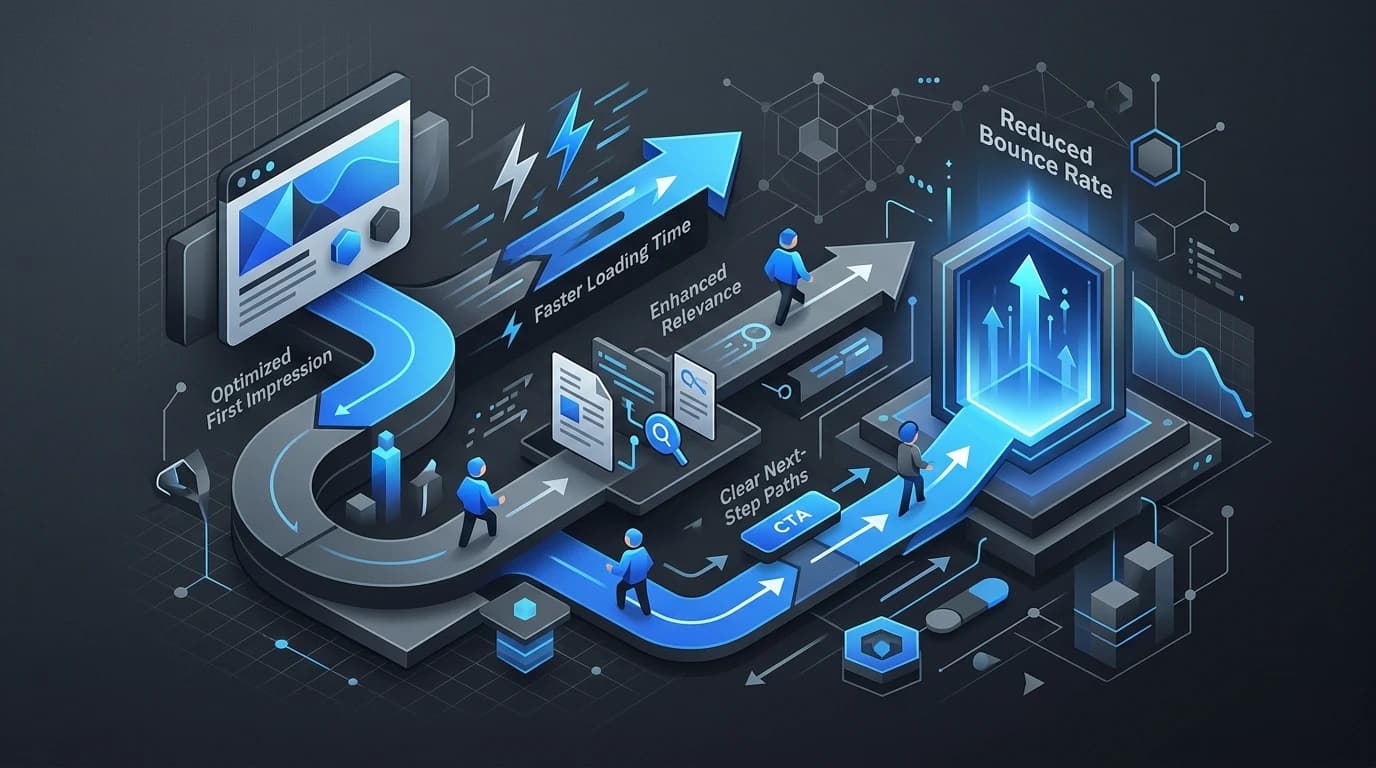
How to Reduce Website Bounce Rate With UX and Content Improvements
You spend hours crafting the perfect webpage, optimizing it for search engines, and driving traffic to it. A user clicks your link, waits a second, and then immediately hits the back button. That swift exit is known as a bounce. When it happens frequently, your website bounce rate skyrockets.
A high bounce rate often signals to search engines that your page lacks relevance or provides a poor user experience. This can drag down your overall search rankings. More importantly, every bounce represents a lost opportunity to connect with a potential customer, subscriber, or reader.
Understanding why visitors leave is the first step to keeping them around. Often, the culprit lies in a confusing user interface, slow loading times, or content that simply misses the mark. By making strategic adjustments to your user experience (UX) and content, you can encourage visitors to stay, explore, and ultimately convert. Let's look at the most effective ways to reduce website bounce rate and keep your audience engaged.
Optimize Your Page Load Speed
Nothing drives a visitor away faster than a sluggish website. When a page takes more than a few seconds to load, frustration sets in, and users quickly look for faster alternatives. Speed is a fundamental pillar of good UX.
To tackle slow load times, start by compressing your images. High-resolution photos look great, but their massive file sizes can paralyze a web page. Use modern image formats like WebP and run your files through compression tools before uploading them.
Additionally, consider utilizing browser caching and a Content Delivery Network (CDN). A CDN stores copies of your site on servers around the world, ensuring that a user in London downloads data from a nearby server rather than one sitting in Tokyo. Minifying your CSS and JavaScript files also shaves precious milliseconds off your load time. Every fraction of a second you save directly helps to reduce website bounce rate, which is why performance optimization belongs in the UX conversation.
Enhance Mobile Responsiveness
Mobile devices generate more than half of all global website traffic. If your site requires users to pinch, zoom, and aggressively scroll just to read a paragraph on their phone, they will leave. A responsive design automatically adjusts your layout to fit the screen size of the device being used.
Make sure your buttons are touch-friendly. A user should easily be able to tap a link or a call-to-action (CTA) with their thumb without accidentally hitting a different link nearby. Keep your navigation menus simple and intuitive on mobile. A cluttered mobile menu overwhelms visitors, pushing them to abandon the site entirely. Regularly test your website on various devices to ensure a seamless experience across the board.
Create Clear, Skimmable Content
When visitors land on a page, they rarely read every single word from top to bottom. Instead, they scan the page to see if it contains the information they need. If they are greeted by a massive wall of text, they will likely feel overwhelmed and bounce.
Formatting plays a massive role in content consumption. Break your text up using short paragraphs, bullet points, and numbered lists. Use descriptive H2 and H3 subheadings to guide the reader's eye down the page. Bold important terms or key takeaways so they stand out.
Your writing style also matters. Get straight to the point in your introduction. Let the user know immediately that they are in the right place. By making your content highly readable and accessible, you respect the reader's time and significantly increase the chances that they will stay on your page.
Align Search Intent with Page Content
A major cause of high website bounce rates is a mismatch between what the user expects to find and what the page actually delivers. If your meta title promises "Free Budgeting Templates," but the page actually features an expensive software subscription with no free templates in sight, users will immediately exit.
Carefully review the keywords you are targeting and search for them yourself. Look at the top-ranking pages to understand what users actually want when they type those words into a search engine. Are they looking to buy a product, or do they want an informational guide? Ensure your meta titles and meta descriptions accurately reflect the content on your page. Honesty in your search results snippet builds trust, meaning the traffic you receive is much more likely to stay and engage.
Guide Users with Clear Calls to Action
Sometimes users bounce simply because they don't know what to do next. They read your article, reach the bottom, and find a dead end. To keep visitors moving through your website, you need to provide clear, compelling pathways to other pages.
Strategically place internal links within your text to direct readers to related articles or deeper dives into specific topics. Furthermore, include strong calls to action (CTAs) that guide the user toward the next logical step. Instead of a generic "Click Here" button, use action-oriented language like "Download Your Free Guide" or "Read Our Latest Case Study." By actively directing the user journey, you transform a single-page visit into a multi-page exploration with stronger web design.
When a High Bounce Rate Isn't a Bad Thing
It is worth noting that a high bounce rate isn't universally negative. You must consider the specific context of the webpage. For example, if you run a local business and a user searches for your phone number, they might land on your "Contact Us" page, grab the number, and leave. That counts as a bounce, but it is actually a successful interaction.
Similarly, a dictionary website or a page answering a very specific factual question will naturally have higher bounce rates. The user gets exactly what they need immediately. When analyzing your metrics, always look at the bounce rate in conjunction with the time spent on the page. If users are staying for several minutes before bouncing, they are likely reading your content and finding value in it.
Turn Bouncing Visitors into Engaged Readers
Reducing your website bounce rate is rarely about making one massive change. Instead, it requires a combination of thoughtful UX adjustments and targeted content improvements. By speeding up your load times, optimizing for mobile, structuring your content for readability, and fulfilling search intent, you create an environment that welcomes visitors and encourages them to stay.
Take a look at your website analytics today. Identify the pages with the highest traffic and the highest bounce rates. Apply a few of these strategies to those specific pages and monitor the results over the next month. Small, consistent improvements to your user experience will ultimately build a more engaging, successful website.