
design systems for websites
Design Systems for Websites That Scale
February 3, 2026
Design Systems for Websites: Build Faster, Stay Consistent, Scale Confidently
Launching a website often feels like an ongoing battle against entropy. You start with a pristine set of mockups, carefully chosen typography, and a unified color palette. Fast forward six months, and your site somehow features fifteen different shades of blue, four distinct button styles, and a checkout page that looks completely disconnected from the homepage. This drift happens naturally as teams add new features, fix bugs, and rush to meet deadlines.
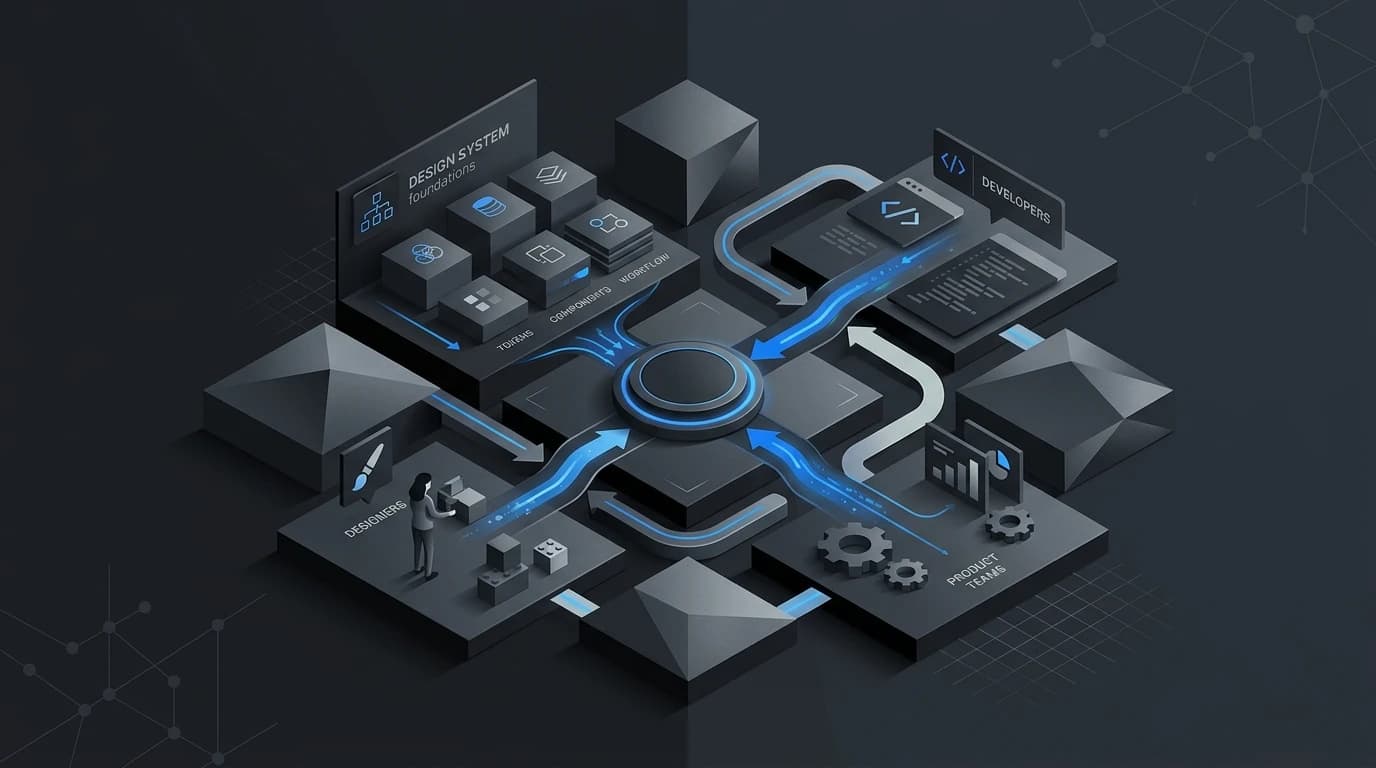
The solution to this digital chaos is a design system. A design system acts as the single source of truth for your entire web presence. It is a comprehensive collection of reusable components, guided by clear standards, that can be assembled to build any number of applications or pages. Instead of redesigning the wheel every time you need a new dropdown menu or alert banner, your team simply pulls from the established library.
Implementing a design system fundamentally changes how your team operates. It bridges the historical gap between design and development, creating a shared language that eliminates guesswork. By investing in this infrastructure, organizations unlock significant improvements in speed, consistency, and scalability.
The Power of Reusable Components
Building web pages from scratch requires massive amounts of redundant work. Designers spend hours recreating basic UI elements, while developers write custom CSS and HTML for every new page. A design system eliminates this repetitive labor through reusable components.
Dramatically Reduce Development Time
When you have a centralized library of pre-coded, pre-approved components, building a new webpage becomes an exercise in assembly rather than invention. Developers can quickly grab a navigation bar, a hero section, and a footer from the design system repository. This modular approach cuts down development time drastically. Tasks that once took weeks can be completed in days.
Streamline the Design Process
Designers also reap the benefits of this modular approach. UI kits built in tools like Figma or Sketch allow designers to drag and drop elements into new layouts. This frees up creative energy to focus on high-level user experience problems and complex user flows, rather than obsessing over the exact corner radius of a submit button.
Creating Unbreakable Brand Consistency
Brand trust relies heavily on predictability. When a user navigates from your marketing site to your customer dashboard, the visual language should feel entirely cohesive. Mismatched fonts, clashing colors, and erratic spacing create subconscious friction and erode professional credibility. That consistency is especially important for brand consistency across fast-growing sites.
A Single Source of Truth
Design systems enforce visual harmony by documenting exact specifications for typography, color palettes, spacing, and iconography. If a developer needs to know the correct hex code for your brand's primary action color, they check the design system. This eliminates rogue styles creeping into the CSS and ensures that every digital touchpoint feels like it belongs to the same family.
Real-World Examples
Major tech companies rely on design systems to maintain consistency across massive product ecosystems. Google’s Material Design provides a unified language that spans across web, Android, and iOS. Shopify’s Polaris design system helps third-party app developers create tools that perfectly match the native Shopify interface. These systems prove that strict guidelines actually foster better, more cohesive user experiences.
Scaling Your Team and Product Confidently
Growth brings complexity. As your company hires more designers, developers, and product managers, keeping everyone aligned becomes a logistical nightmare. A design system acts as a stabilizing force during periods of rapid expansion.
Faster Employee Onboarding
Getting new hires up to speed is notoriously difficult. Without documentation, new designers and developers have to reverse-engineer your website's architecture to understand how things work. A well-documented design system serves as an interactive employee handbook. New team members can immediately see how your grid system functions, which accessibility standards you follow, and how forms should be structured.
Effortless Sitewide Updates
Rebranding or updating a core UI element on a legacy website usually requires hunting down dozens of isolated code snippets. With a design system, you update the component in one central location. Change the primary button color in your master library, and that update cascades across your entire website automatically. This centralized control makes large-scale redesigns manageable and safe.
Understanding the Implementation Challenges
While the benefits are substantial, creating a design system requires serious commitment. It is not a weekend project or a simple PDF style guide.
Building a functional system demands a significant upfront investment of time and resources. You have to audit your current interface, agree on standardized patterns, and write clean, accessible code for every component. Furthermore, a design system is a living product. It requires ongoing maintenance, dedicated governance, and regular updates to stay relevant. If your team treats it as a static project to be completed and forgotten, it will quickly become obsolete.
Ready to Systemize Your Web Design?
Transitioning to a design system changes the very foundation of how you build for the web. By standardizing your design language and component architecture, you empower your team to work faster, eliminate visual inconsistencies, and handle rapid growth with ease. Pairing the system with strong frontend development keeps those standards durable in production.
Start small by conducting a UI audit of your current website. Identify your most frequently used elements-like buttons, form fields, and typography styles-and begin documenting them. As you slowly build out your library, you will watch your team's productivity and your website's overall quality soar.