
core web vitals optimization
Core Web Vitals Optimization: Fixes for Better UX
January 30, 2026
Core Web Vitals Optimization: Fixes for Better UX
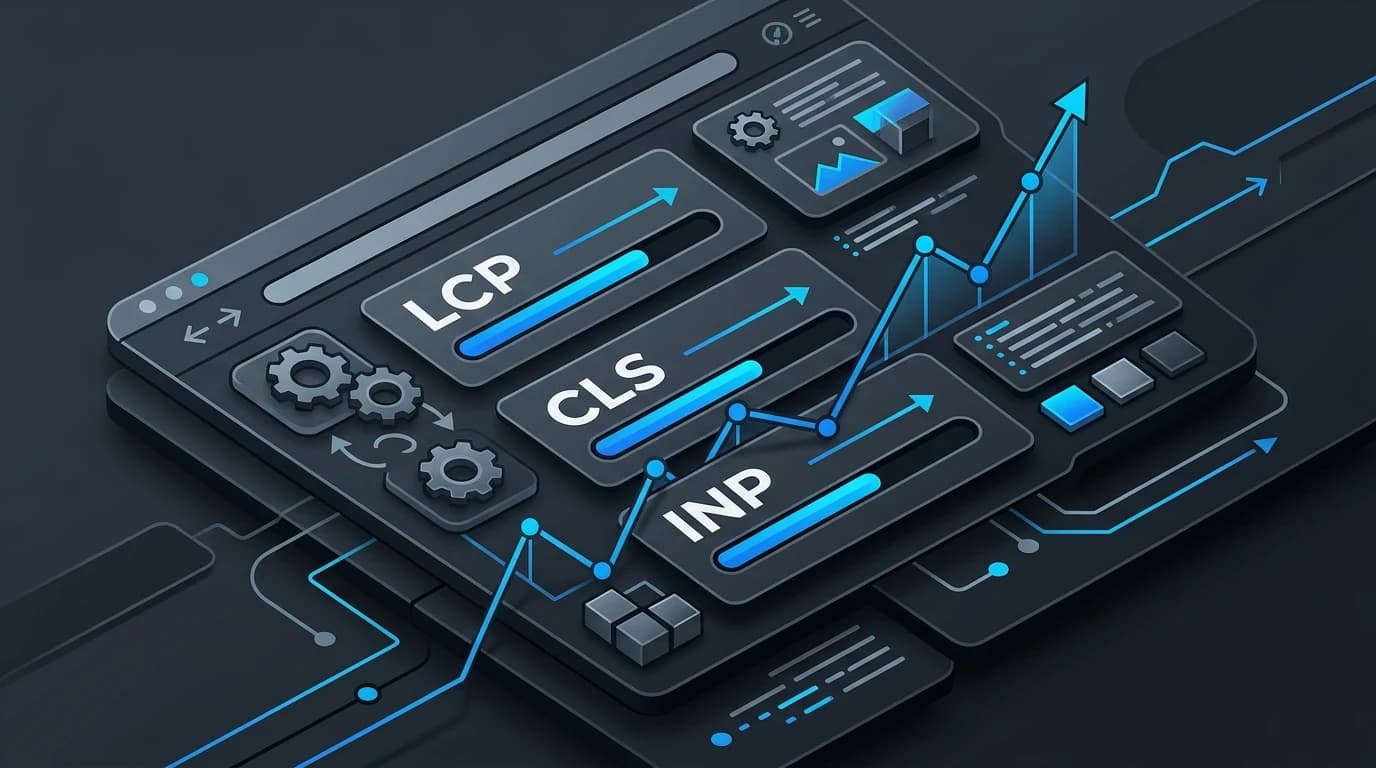
Nobody likes waiting for a slow website to load. When a page takes too long to appear, buttons fail to respond, or text suddenly jumps around the screen, visitors get frustrated and leave. Google noticed this behavior and introduced Core Web Vitals to measure how users experience the speed, responsiveness, and visual stability of a page.
These metrics directly influence your search engine rankings. Search algorithms prioritize websites that provide a smooth, seamless experience. If your pages struggle to meet these benchmarks, you risk losing both valuable traffic and potential customers.
Improving these technical aspects might sound intimidating, but breaking them down makes the process manageable. By focusing on specific adjustments, you can speed up your site, keep visitors engaged, and signal to search engines that your content deserves a top spot. A focused performance optimization effort helps prioritize the fixes with the biggest user impact.
Understanding the Three Core Web Vitals
To effectively optimize your website, you need to understand the three specific metrics Google tracks. Each one targets a different aspect of the user experience.
Largest Contentful Paint (LCP)
LCP measures loading performance. Specifically, it tracks how long it takes for the largest piece of content on the screen—usually a hero image, a video, or a large block of text—to become fully visible. Google recommends an LCP of 2.5 seconds or less.
When a page has a poor LCP, users stare at a blank screen wondering if the site is broken.
Practical Fixes for LCP:
- Optimize and compress images: Large image files are the most common culprit for slow loading times. Compress your images before uploading them and use modern formats like WebP.
- Leverage a Content Delivery Network (CDN): A CDN stores copies of your site on servers around the world, reducing the physical distance data has to travel to reach the user.
- Upgrade your web hosting: Slow server response times heavily impact LCP. Upgrading to a faster hosting plan can provide an immediate boost.
Interaction to Next Paint (INP)
INP (which recently replaced First Input Delay) measures website responsiveness. It tracks the time it takes for the page to respond after a user interacts with it, such as clicking a button, tapping a menu, or typing on a keyboard. A good INP score is 200 milliseconds or less.
If a user clicks "Add to Cart" and nothing happens for a full second, they might click it again, causing errors or frustration.
Practical Fixes for INP:
- Minimize heavy JavaScript: Complex scripts that run in the background can freeze the main thread, preventing the browser from responding to user inputs.
- Defer non-critical scripts: Load essential scripts first and delay third-party trackers or pop-up scripts until after the page becomes interactive.
- Remove unused code: Audit your plugins and themes to eliminate any CSS or JavaScript that your site no longer needs.
Cumulative Layout Shift (CLS)
CLS measures visual stability. It calculates how much the elements on your page shift unexpectedly while the page is loading. A passing CLS score is 0.1 or less.
You have likely experienced this before. You go to tap a link on a news article, but an ad suddenly loads at the top of the page, pushing the text down and causing you to click the wrong button. This is a layout shift, and it provides a terrible user experience.
Practical Fixes for CLS:
- Include size attributes for media: Always specify the width and height attributes for your images and videos. This tells the browser exactly how much space to reserve for the media while it loads.
- Reserve space for ads and embeds: If you use third-party ads or embedded widgets, allocate a fixed container size for them so they do not push content around when they finally render.
- Avoid inserting content above existing content: Unless triggered by a direct user interaction, do not let scripts inject banners or alerts at the top of the screen dynamically.
The Limits of Technical Optimization
While fixing your Core Web Vitals is critical, it is important to remember that technical performance is only one piece of the puzzle. Some webmasters spend months chasing perfect scores of 100 on performance testing tools, only to see minimal changes in their traffic.
Search engines still prioritize high-quality, relevant content above all else. A blazingly fast website with thin, unhelpful content will struggle to rank. Core Web Vitals often act as a tie-breaker. If you and a competitor have equally informative articles, the site with the better loading speed and user experience will generally win the higher position. Balance your technical SEO audits with a strong content strategy.
Take Control of Your Site Performance
Optimizing your website for Core Web Vitals creates a better environment for your visitors and helps secure your visibility in search results. By compressing your images, cleaning up your code, and stabilizing your page layouts, you remove the friction that drives potential customers away. Teams building on modern frameworks can also benefit from a dedicated Next.js implementation.
Start by running your website through Google's PageSpeed Insights tool. Identify your weakest metric, apply the practical fixes outlined above, and monitor your progress. A faster, more responsive website will reward you with happier users and improved search rankings.